Troubleshooting
Video Download Not Working? Try These Quick Checks
Find out whether a failed video download is caused by the link, source access, format, or browser transfer.
Published 2026-10-19 · Updated 2026-10-20
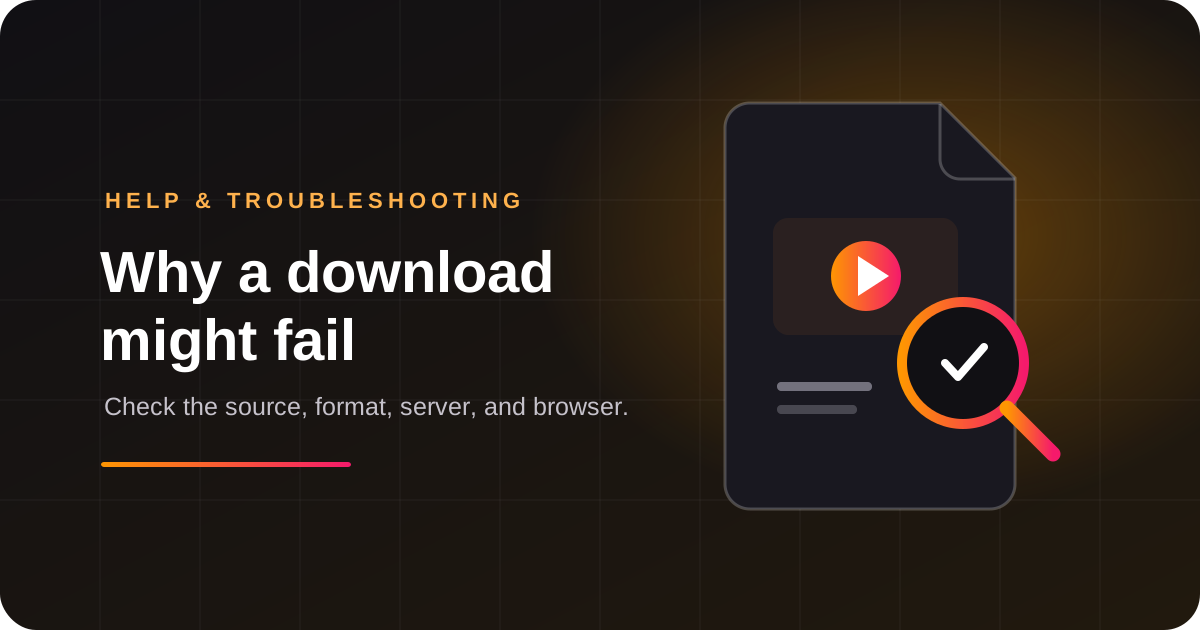
First, find where it stopped
- Step 1Check the pasted URL
- Step 2Confirm the post is public
- Step 3Choose a listed format
- Step 4Check browser and network
Most download failures happen at one of four stages: the URL is rejected, the source cannot be read, the file is being prepared, or the browser transfer is interrupted. Notice the last message shown on the page. That is more useful than repeatedly pressing Download.
<figure class="article-visual"><figcaption>Quick diagnosis: follow the last successful step</figcaption><ol class="process-steps"><li><strong>Link</strong>Check the pasted URL.</li><li><strong>Source</strong>Confirm the post is public.</li><li><strong>Format</strong>Choose an option shown.</li><li><strong>Transfer</strong>Check browser and network.</li></ol></figure>
Check the link and source
Copy the link again from the platform and remove spaces before or after it. Confirm the post still exists and can be viewed without signing in. Private, removed, age-restricted, regional, or creator-limited posts may not be available to this service. A link playing in your app does not prove a separate backend can access it.
Only submit public content you own or are allowed to save. This downloader does not bypass login or privacy controls. If the source itself blocks access, use its official app or ask the owner for a copy.
Review the available format
Use only an option actually listed for the link. A video and audio track may need to be combined before the file is ready, so preparation can take longer than a direct file. Format labels and size estimates can vary; estimates are not guarantees. If a smaller option is listed, you can choose it yourself. The service should not silently switch formats.
The MP4 vs WebM guide explains why a file extension alone does not guarantee compatibility. Check that the final transfer completed before treating a file that will not open as a codec issue.
Check the browser and network
Keep the downloader page open while it prepares the file. Make sure Chrome has room to save downloads and check the browser's Downloads panel for a paused or blocked transfer. If the connection drops, reconnect and retry once. Avoid starting many copies of the same job; that can use extra server capacity and trigger source throttling.
If you see a size or duration limit message, that is a server policy for everyone. Choose a listed format that fits, if one is available. Do not try to evade the limit with repeated requests.
What to send support
If the error continues, report the platform, approximate time, the stage that failed, and the exact on-page error. You can share a public sample URL only if you have permission. Never send passwords, session cookies, login codes, or private links. Use the contact page for help.
Frequently asked questions
Why does a link work in the app but fail here?
The app may have an authenticated session or delivery route that the backend cannot use. Public visibility does not guarantee third-party access.
Should I keep clicking Download?
No. Check the error first, then retry once after confirming the URL and connection.
What is the safest alternative?
Use the platform's own save or export controls for your content, or ask the creator for an authorized copy.
Why are no formats listed?
The source may be unavailable, restricted, or temporarily inaccessible to the backend. Confirm the link is public and try again later.
Should I send my password or cookies to support?
No. Support only needs the platform, the error shown, and when it happened. Never send passwords, cookies, or login codes.
Quick takeaway: identify the failed stage, check the public link, select only a listed format, and keep private credentials out of support messages.
Related articles
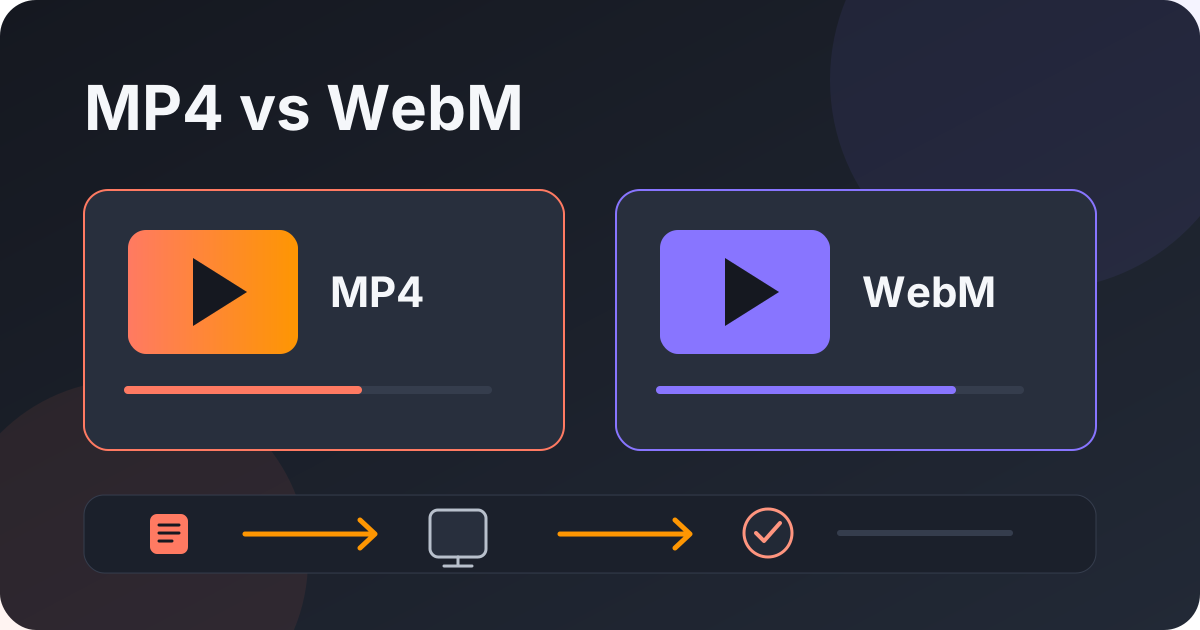
MP4 vs WebM: Which Video Format Should You Choose?
Compare MP4 and WebM containers, check device compatibility, and choose a format based on how you will use the video.
Read guide
How to Save an Instagram Reel You’re Allowed to Keep
Keep your own original, understand what a saved Reel includes, and check an authorized public link.
Read guide
How to Keep a Copy of a Facebook Reel You Created
Save your original before posting, check audience settings, and troubleshoot an authorized public Reel link.
Read guide
Save a TikTok Video When the Creator Allows Downloads
Use TikTok's Save video option, understand creator controls, and troubleshoot an authorized public link.
Read guide