Format Guides
MP4 vs WebM: Which Video Format Should You Choose?
Compare MP4 and WebM containers, check device compatibility, and choose a format based on how you will use the video.
Published 2026-10-19 · Updated 2026-10-20
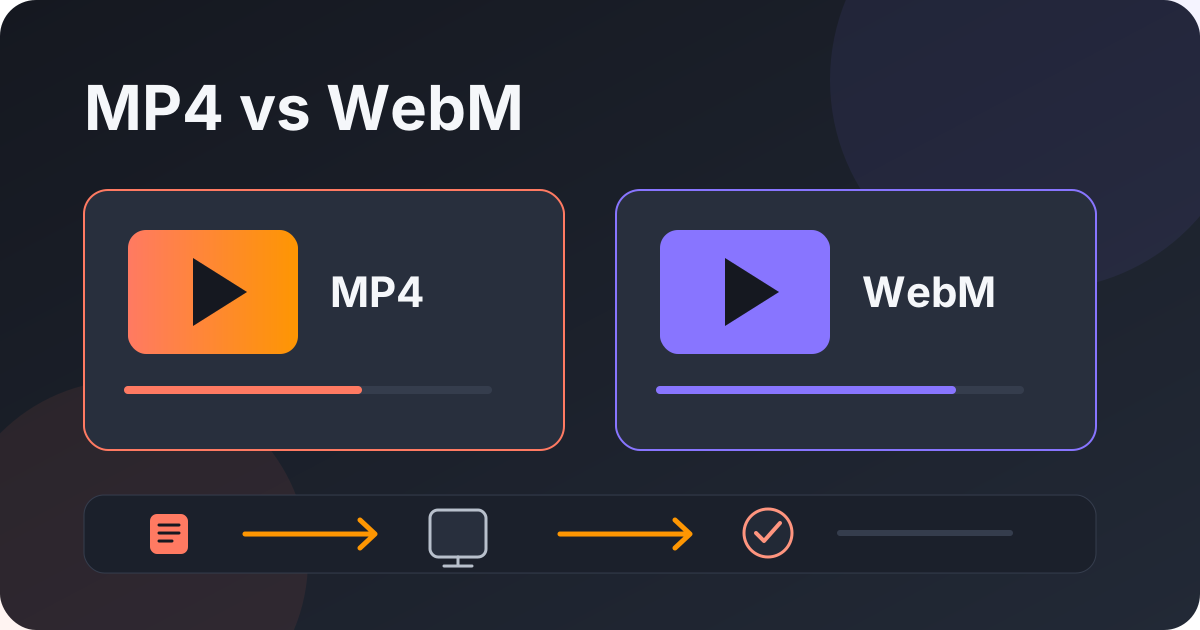
Pick for the device or app you use
The best format is the one your intended player can open with the sound and quality you need. MP4 is a widely used container for video sharing and playback. WebM is designed for web video and works in many current browsers. Neither extension guarantees a specific codec or universal compatibility.
MP4 and WebM in plain language
A container is a package for media tracks. An MP4 can contain different video and audio codecs; WebM commonly uses web-oriented codecs. Two files with the same extension can behave differently depending on the tracks inside and the device's software. The extension alone is not a complete compatibility check.
A quick format decision
MP4 video
A common choice for sharing and playback. Check the codecs and your player.
WebM video
A web-oriented container. Support for its codecs varies by device and app.
Audio only
Choose this when you need the sound and do not need the moving picture.
- Read the full format label.
- Confirm the destination app or device can play it.
- Preview the finished file before relying on it.
Use MP4 as a common starting point for sharing, WebM for a web workflow, and audio-only when you do not need the picture. Confirm the target app supports the actual tracks before choosing.
Check compatibility before downloading
On a phone, try the built-in gallery or the app you plan to use. On a computer, check the media player's or editor's supported formats. Smart TVs and older devices can have narrower codec support. If you are sending the file to someone else, ask which app they use rather than assuming your own device is representative.
When a file will not open, first confirm the download completed. A partial file can look like a format problem. Try a trusted player that supports the format, or use a genuine conversion tool if you are allowed to modify the media. Renaming .webm to .mp4 does not convert it; it only changes the filename.
Balance quality, size, and storage
Higher resolution can preserve more detail, but often needs more storage and transfer time. Final size also depends on duration and encoding, so a resolution label is not an exact size estimate. If data or space is limited, select a smaller option that still suits the screen. The available formats depend on the source link and may not include every container or quality.
For your own videos, keep the original export and editing project separately from a convenient sharing copy. If an option is missing or a download fails, use the troubleshooting guide or the source platform's official tools.
Frequently asked questions
Is MP4 always better?
No. It is widely supported, but WebM can suit web playback. Check the actual codecs and destination app.
Does MP4 always mean H.264 video and AAC audio?
No. MP4 is a container and can hold different tracks. The extension does not identify every codec.
Does converting WebM to MP4 guarantee compatibility?
No. Compatibility still depends on the output codecs and target device. Preview the result before deleting the source.
Is MP4 or WebM better for a phone?
It depends on the phone's apps and the codecs inside the file. Check playback on the device you plan to use.
Does renaming a file convert its format?
No. Changing a filename extension does not re-encode the video or audio tracks.
In short: choose for the destination, check the full format label, and test the completed file. Keep a source copy when the video is yours.
Related articles
Video Download Not Working? Try These Quick Checks
Find out whether a failed video download is caused by the link, source access, format, or browser transfer.
Read guide
How to Keep a Copy of a YouTube Short You Uploaded
Preserve your original video, use YouTube's creator tools, and understand what a public Shorts link can provide.
Read guide